
Practice software for Ontario paralegals.
Open matters, track hearings and evidence, and turn recorded time into invoices.
See a sample matter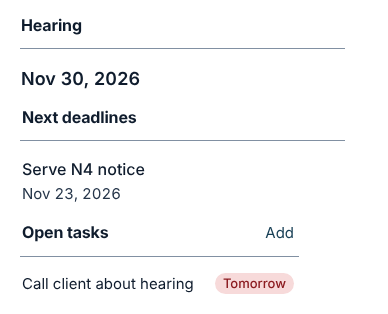
One matter, from intake to invoice
Follow one fictional Landlord and Tenant Board file for unpaid rent.
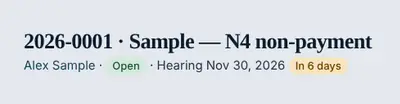
Open the file
Review the enquiry and check for conflicts before opening the file.
Client intake
Prepare for the hearing
Add the rent ledger and log evidence activity.
Matters & evidence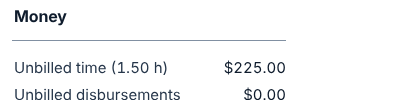
Prepare the invoice
Review the recorded time and expenses, then draft the invoice.
Time & billing
Explore by practice area
Plaintiff and defendant files
Small Claims Court
Landlord and tenant files
Landlord and Tenant Board
Defence files
Provincial Offences
Request a pilot
Access is limited while we test. Tell us your practice area and one workflow you would try with a fictional file.
What a colleague can pick up
Find the file from either reference
Use the firm matter number to find the workspace record and keep the court or tribunal number alongside it. A colleague reading a notice can match its reference to the right file before entering a date.
Leave a task that can be acted on
Assign a task that names the person or document involved. For the rent arrears example, ask a colleague to check the latest payment record against the rent ledger before the hearing.
Keep the work tied to the invoice
Record hearing preparation and document review against the matter. When it is time to draft the invoice, the reviewer can check those entries and any disbursements against the same file.